
Track deep work sessions, focus time, and notes with a calm visual habit tracker built around heatmaps and long-term patterns.
What is a deep work habit tracker?
A deep work habit tracker helps you record focused work sessions and understand how your concentration routine develops over time. Instead of only remembering whether you were productive today, it gives you a visual history of your focus time, sessions, rhythm, and progress.
With HabitHeat, your deep work entries become a heatmap. You can track simple deep work days, log minutes, use a timer for focused sessions, choose custom options for focus or energy, and add notes when a work session needs more context.
This makes it easier to understand deep work as a long-term routine. You can notice strong weeks, quiet phases, productive mornings, difficult periods, gaps, restarts, and the small focused sessions that would usually disappear in a normal checklist.
Track focus sessions
See when you did deep work and how your focus routine developed over time.
Log time or quality
Track focus minutes, session length, energy, quality, or simple daily check-ins.
See long-term progress
Watch your deep work habit build across weeks, months, and the full year.
Why use a visual deep work habit tracker?
Simple productivity goal
Good for setting an intention, but limited when you want to understand focus time, gaps, strong work phases, and long-term rhythm.
HabitHeat deep work tracker
Turns your focus sessions into a visual calendar, so you can see consistency, breaks, productive periods, and changes in your routine at a glance.
A deep work heatmap turns focused sessions into a visible long-term routine.
Track deep work your way
Whether you focus for twenty minutes, one hour, or longer sessions, HabitHeat adapts to your work routine.
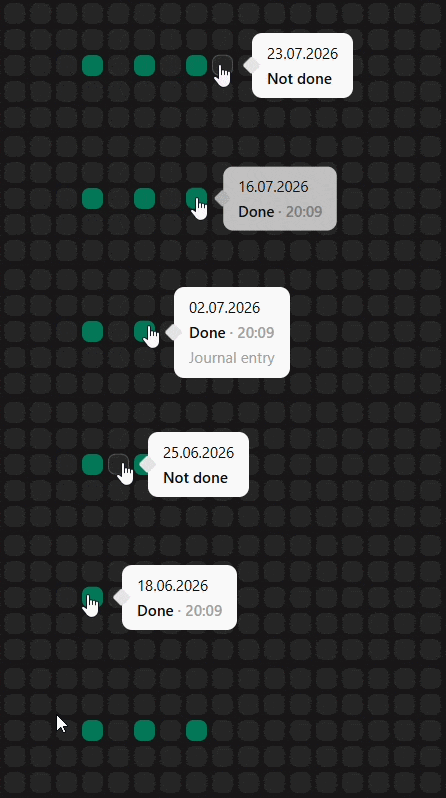
Done / Not Done habits
Mark the days you did deep work. Perfect if you simply want to see when you showed up.
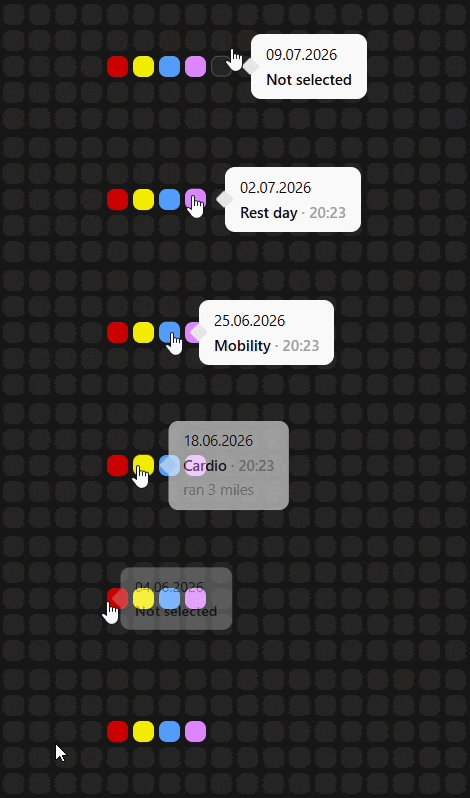
Options tracking
Track focus quality, energy, distraction level, work type, or session outcome with custom options.
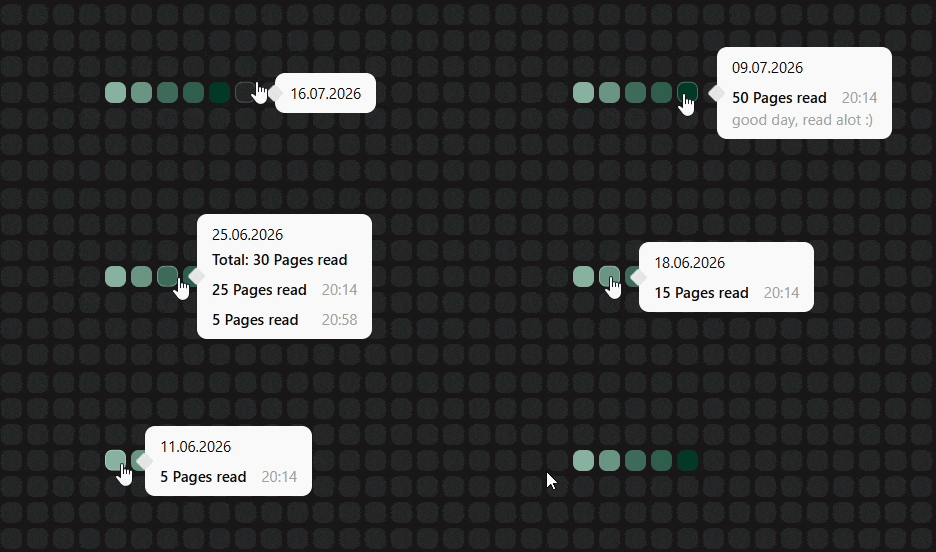
Number tracking
Log focus minutes, completed tasks, writing words, coding sessions, or any custom deep work value.
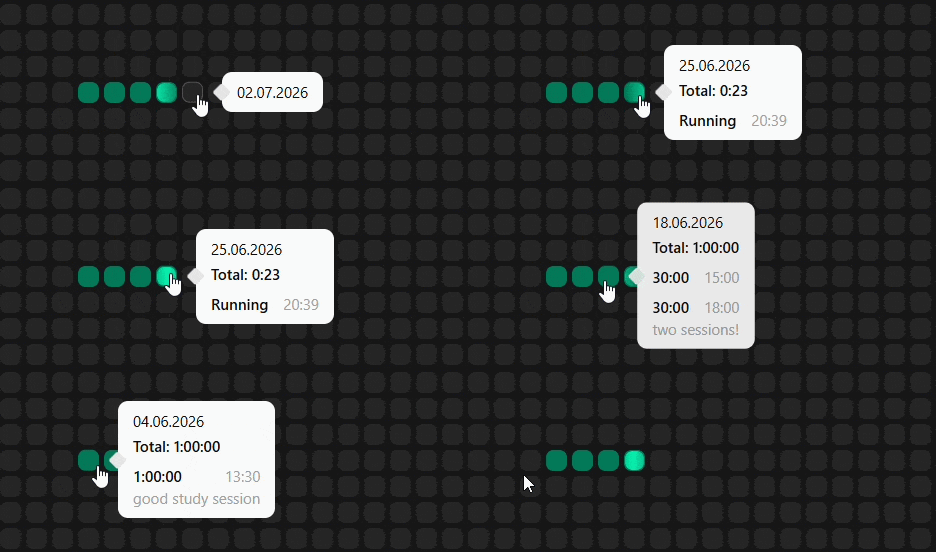
Timer tracking
Start and stop deep work sessions to track the real time you spent in focused work.
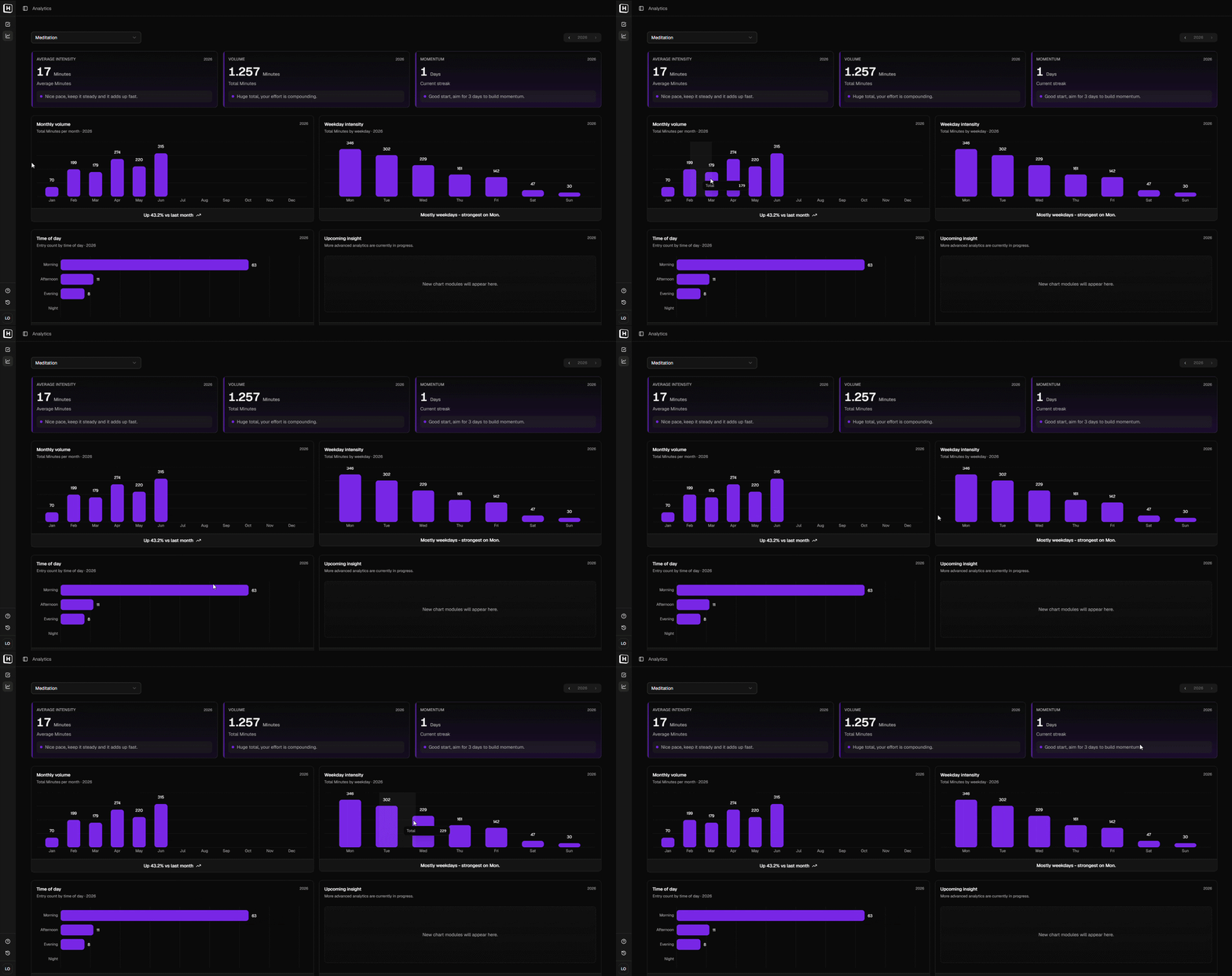
Deep work analytics
See totals, averages, weekday patterns, monthly volume, and changes over time so you can understand your real focus rhythm.
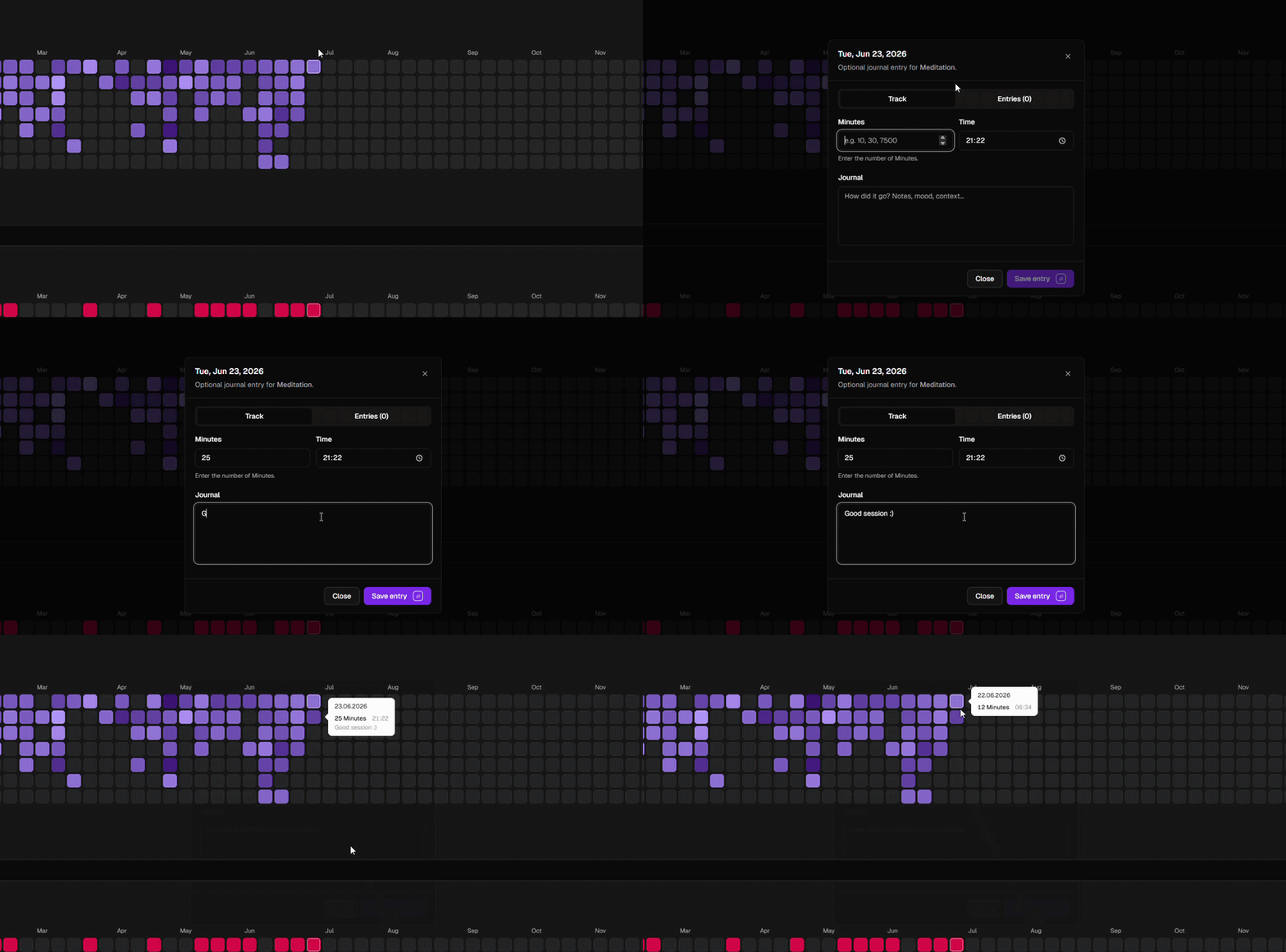
Journal entries
Add notes to deep work entries so your history keeps context, not just minutes. Useful for distractions, strong sessions, or small reflections.
From daily entries to long-term patterns
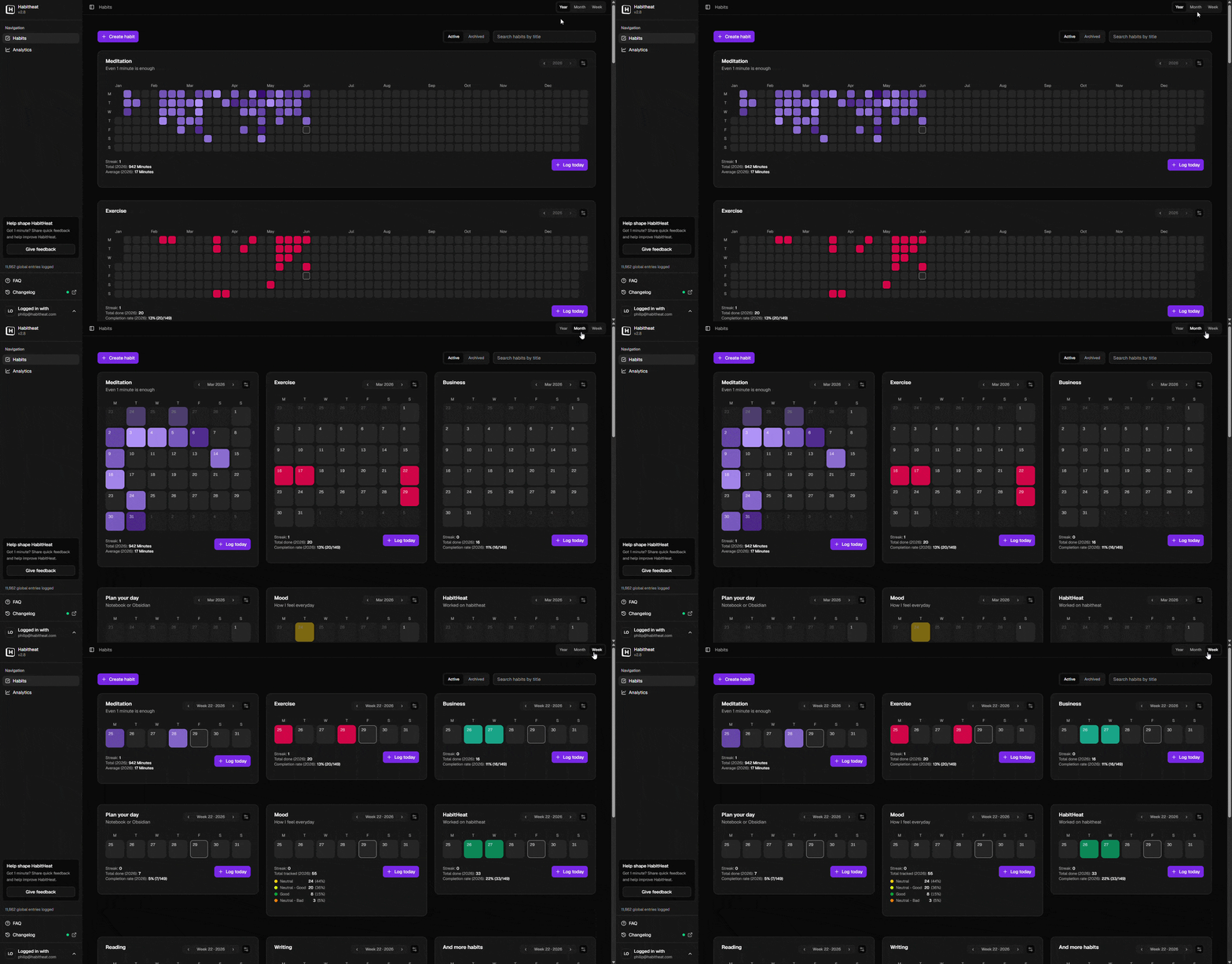
Track deep work in a visual overview
The habits overview is where your deep work entries turn into a heatmap. Switch between year, month, and week views to see your focus routine from different distances: the full year, recent phases, or the details of a single week. Over time, your deep work history becomes easier to read at a glance.
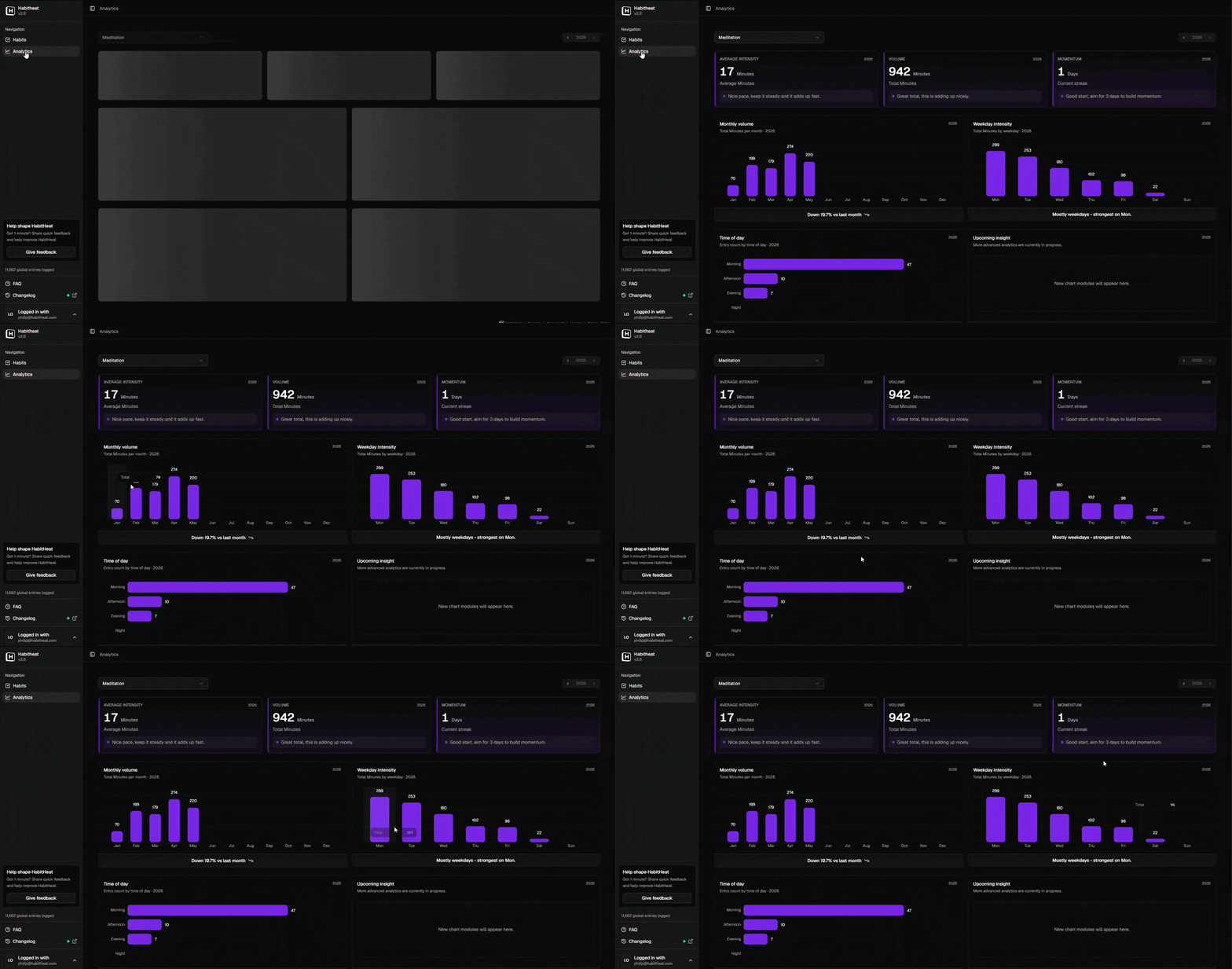
Understand your focus rhythm
Analytics help you look behind the heatmap. See total focus time, averages, monthly volume, weekday patterns, time-of-day trends, and other signals that show how deep work actually fits into your life. Instead of only knowing whether you worked deeply today, you can look back and understand when you were consistent, where gaps appeared, and how your focus routine changed over time.
Frequently asked questions about deep work habit tracking
A deep work habit tracker is a tool for recording focused work sessions and understanding how your focus routine changes over time.
You can use it to track deep work days, session length, total focus time, work quality, distractions, notes, or specific types of focused work. Over time, your entries create a history of your deep work habit.
HabitHeat shows this history as a visual heatmap, so you can see patterns, gaps, strong phases, and long-term progress more clearly.
A deep work heatmap turns your focus sessions into small calendar cells.
Each day becomes part of the visual timeline. When you do deep work, the day becomes active. Depending on how you track it, the heatmap can show whether you worked deeply, how many minutes you focused, how often you returned to the habit, or what kind of session you logged.
This makes it easier to understand your focus routine over weeks, months, and years instead of only focusing on today.
Yes. You can track deep work minutes with a number-based habit or a timer habit.
A number-based habit is useful if you want to manually enter minutes after a focus session. A timer habit is useful if you want to start and stop a deep work session directly in HabitHeat.
Both approaches can help you see how your focus time adds up over time.
Yes. HabitHeat supports timer habits, which work well for deep work sessions.
You can start a timer when you begin focused work and stop it when the session is finished. This helps you track real time spent without needing to manually calculate the duration afterwards.
Timer habits are useful for deep work, coding, writing, studying, reading, meditation, or any habit that happens as a focused session.
Yes. You can track focus quality, energy, distraction level, or session type with options habits.
For example, you could use options like “deep focus,” “okay focus,” “distracted,” or “interrupted.” You could also track different work types such as coding, writing, planning, studying, or creative work.
This helps you understand not only how often you did deep work, but also what kind of focus you actually had.
Yes. You can add journal notes to your habit history.
This is useful when you want to remember what you worked on, why a session went well, what distracted you, or why you missed a few days.
For example, you might write “great coding session,” “too many meetings today,” “worked on article draft,” or “low focus because I slept badly.” These notes add context to your heatmap.
No. You do not need to do deep work every day for HabitHeat to be useful.
Deep work often happens in phases. Some weeks are focused, some are full of meetings, errands, travel, or shallow work. That does not make the data useless.
HabitHeat helps you see what actually happens. Gaps, restarts, and quiet periods are part of your focus history, not a reason to delete it.
Yes. HabitHeat is free to use.
You can start tracking deep work, build heatmaps, and use the core habit tracking features without paying. HabitHeat also has an optional Supporter plan for users who want to support independent development and receive small extra benefits over time.
Have more questions? Read the full HabitHeat FAQ.