
Track your habits visually with heatmaps, analytics, and notes so your routines become easier to understand over time.
What is a visual habit tracker?
A visual habit tracker helps you see your habits instead of only listing them. Each entry becomes part of a visual history, so you can quickly understand when you showed up, where you had gaps, and how your routine changed over time.
With HabitHeat, your habits turn into heatmaps. You can track simple done/not-done habits, log numbers, use timers, choose custom options, and add journal notes when a habit needs more context.
This makes habit tracking feel less like a checklist and more like a record of your real routine. Over weeks, months, and years, you can see patterns, phases, breaks, restarts, and progress that would be hard to notice from memory alone.
See your routine
Turn daily habit entries into a visual history you can understand at a glance.
Spot patterns
Notice strong weeks, quiet phases, gaps, and changes in your rhythm.
Track over time
Build a long-term view of your habits across weeks, months, and years.
Why use a visual habit tracker?
Simple checklist
Good for marking something as done, but limited when you want to understand patterns, phases, gaps, and long-term progress.
HabitHeat visual tracker
Turns your entries into heatmaps and analytics, so you can see your consistency, rhythm, and changes at a glance.
Visual tracking turns small daily entries into a readable history of your routine.
Track any habit visually
Simple visual tracking for different routines, goals, and habit types.
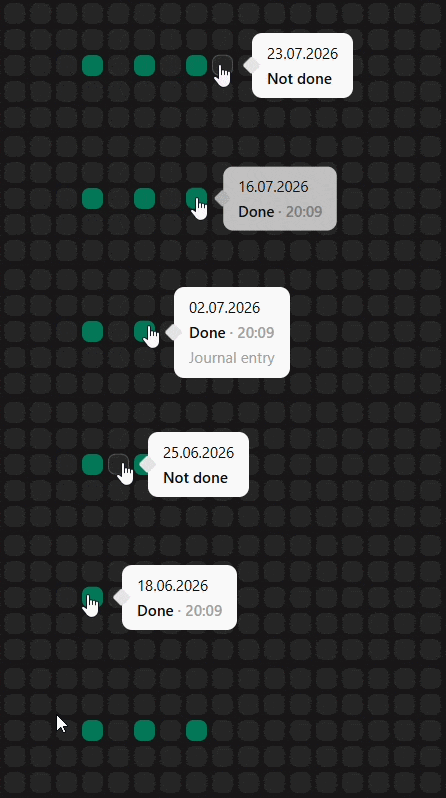
Done / Not Done habits
Mark habits as done or not done. Perfect for simple daily habits like workouts, meditation, reading, or studying.
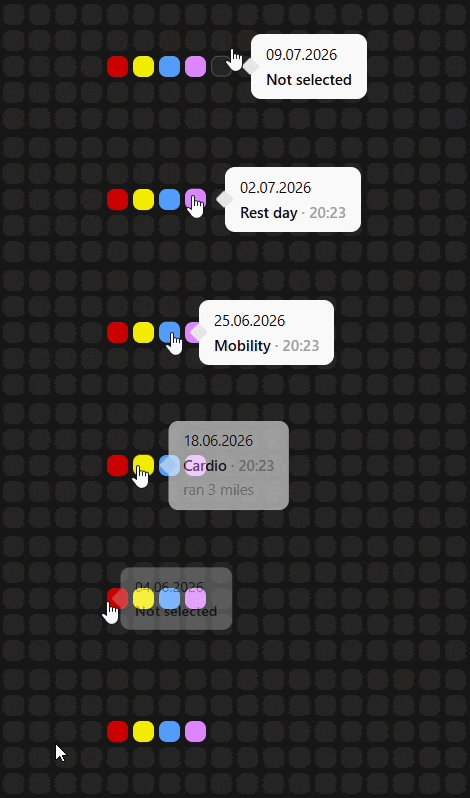
Options tracking
Track mood, focus, energy, quality, or custom categories with flexible options. Useful when a habit is not just yes or no.
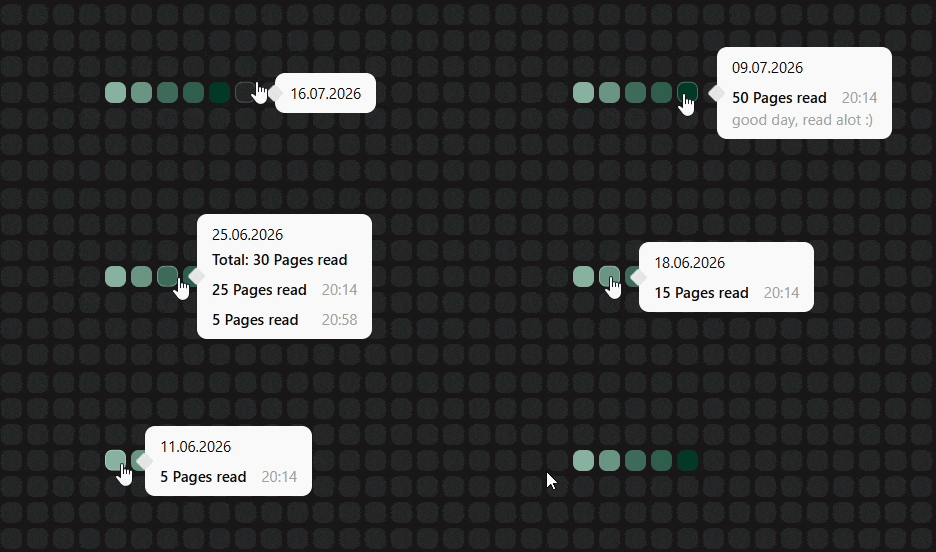
Number tracking
Track anything measurable. Log minutes, pages, repetitions, steps, words, or custom values and see them build up over time.
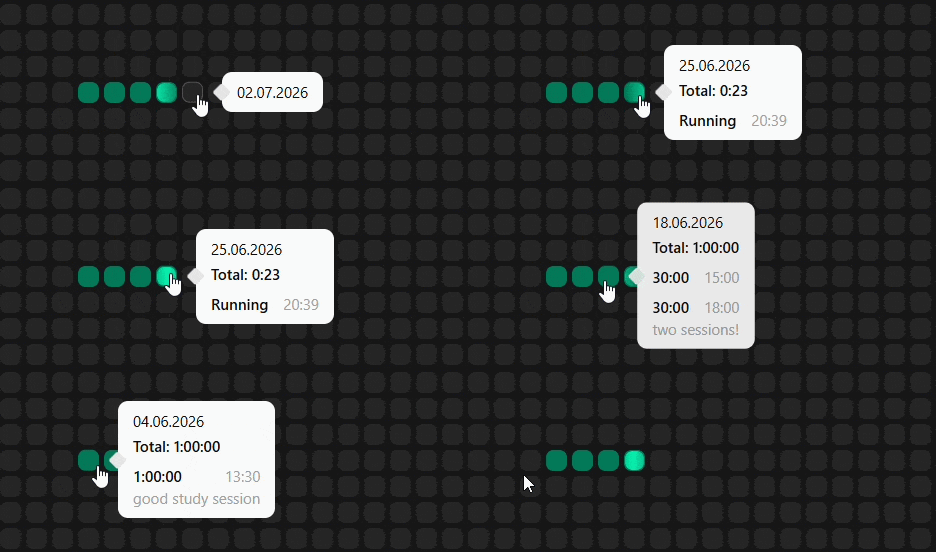
Timer tracking
Start and stop sessions to track real time spent. Ideal for meditation, deep work, coding, reading, or focused study.
Habit analytics
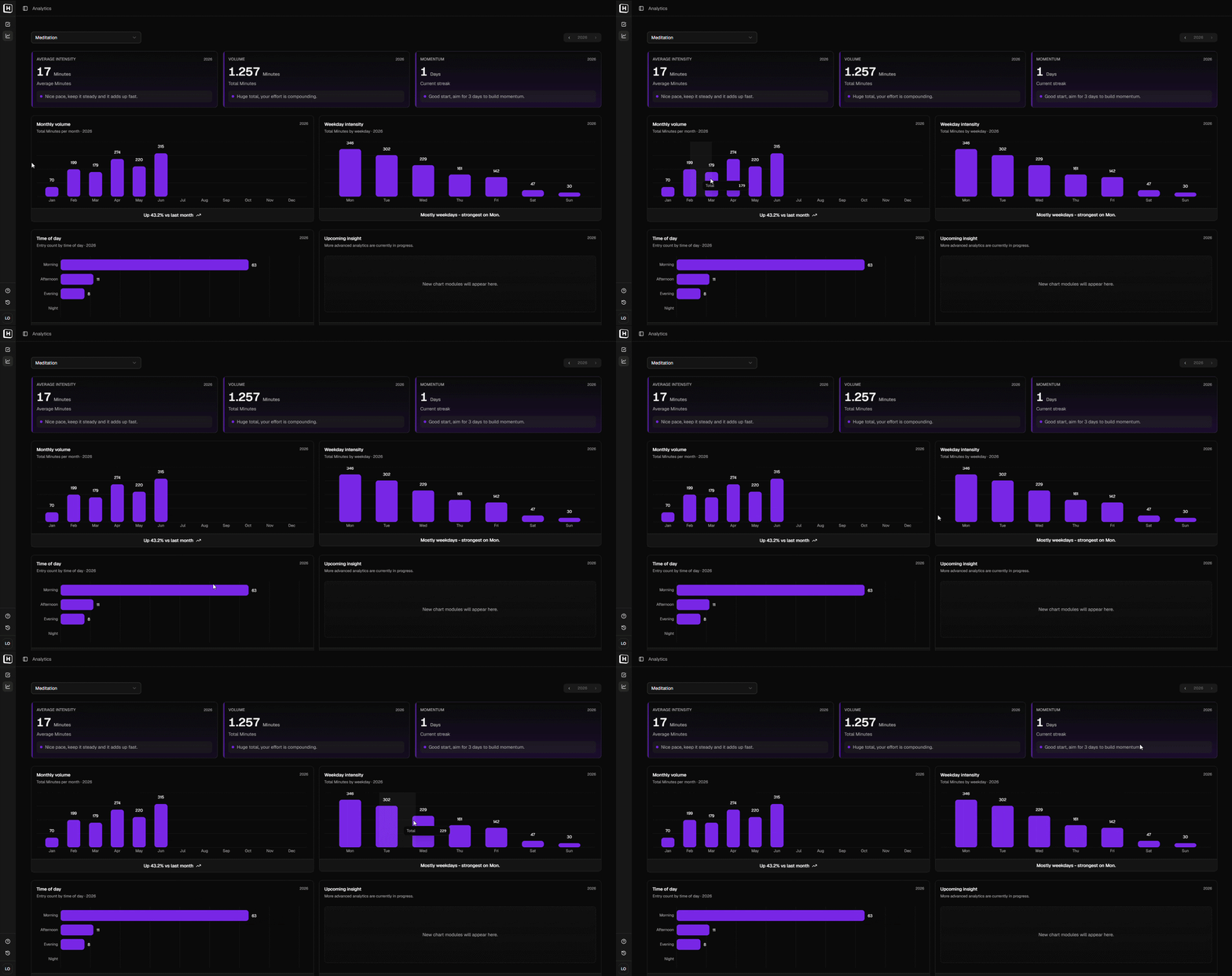
See totals, averages, weekday patterns, monthly volume, and changes over time. Useful when you want to understand more than whether a habit happened.
Journal entries
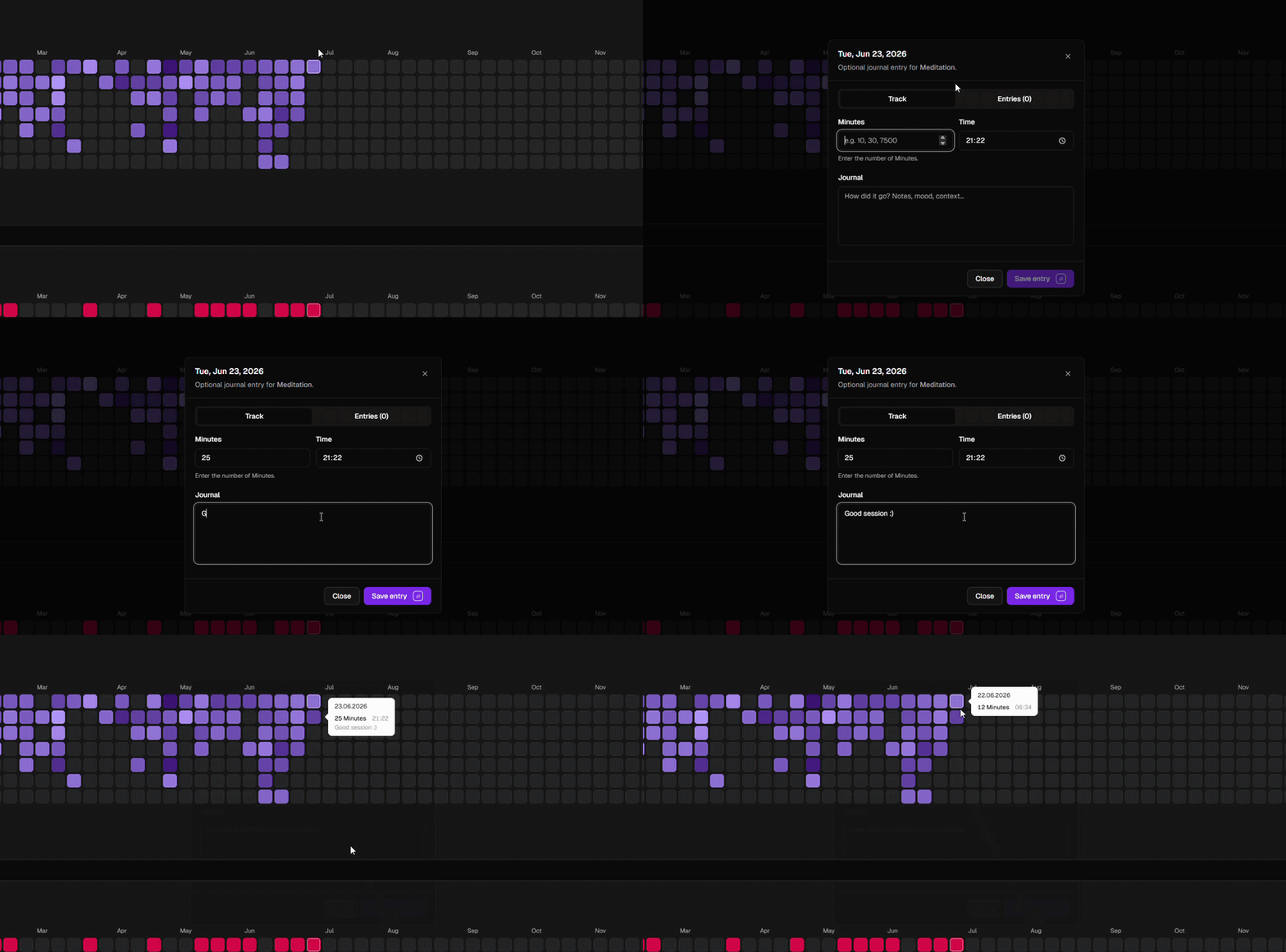
Add notes to your habit entries so your history keeps context, not just numbers. Useful for missed days, strong phases, or small reflections.
From daily entries to long-term patterns
Track habits in a visual overview
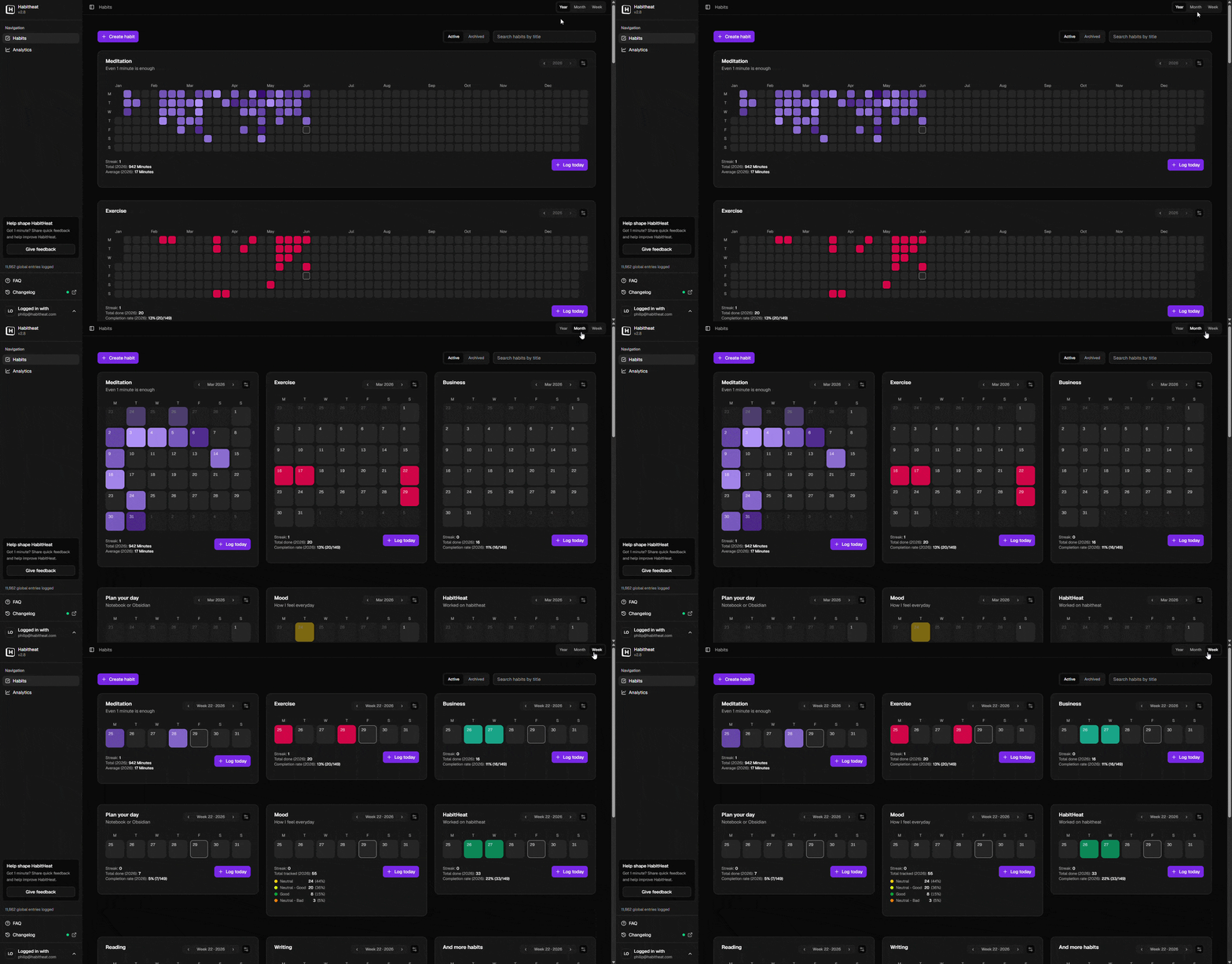
The habits overview is where your daily entries turn into visual heatmaps. Switch between year, month, and week views to see your routines from different distances: the big picture, recent phases, or the details of a single week. Each habit can have its own color, so your history becomes easier to recognize the longer you use it.
Understand what changed
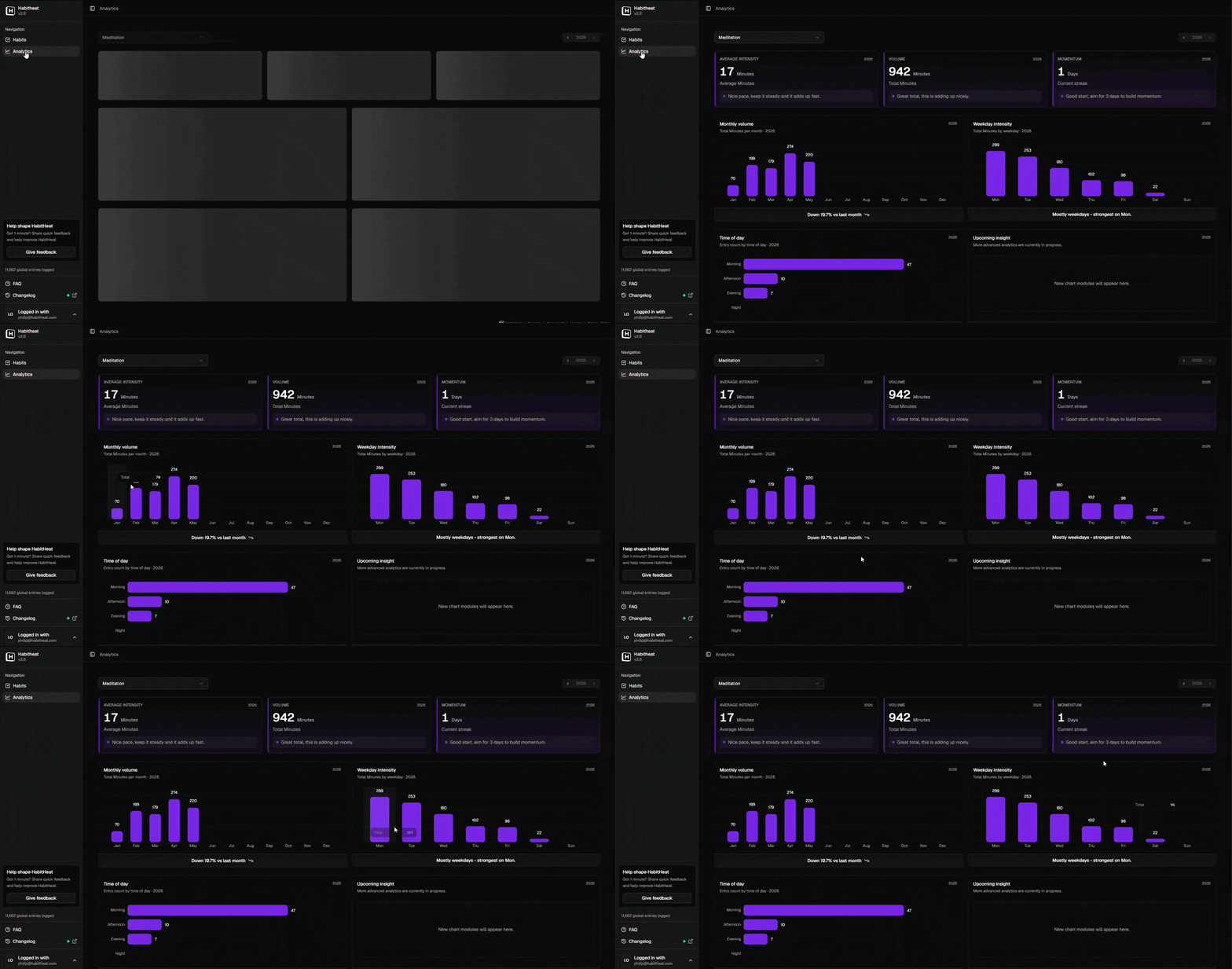
Analytics help you look behind the visual pattern. See totals, averages, monthly volume, weekday patterns, time-of-day trends, and other signals that show how a habit actually fits into your life. Instead of only knowing whether you showed up today, you can look back and understand when you were consistent, where gaps appeared, and how your routine changed over time.
Frequently asked questions about visual habit tracking
A visual habit tracker is a habit tracker that shows your habits in a visual format instead of only using a checklist or list of entries.
With HabitHeat, your habit entries become heatmaps. Each day becomes part of a visual timeline, so you can quickly see consistency, gaps, strong phases, quiet weeks, and long-term patterns.
This makes it easier to understand your habits over time instead of only focusing on today.
Visual habit tracking works by turning your entries into patterns you can read at a glance.
In HabitHeat, each habit can be shown as a heatmap. When you log a habit, that day becomes active. Depending on the habit type, the visual pattern can show whether something happened, how much you did, how long you spent, or which option you selected.
Over time, your small daily entries become a larger visual history of your routine.
A checklist is useful for today, but it usually does not show the bigger picture.
A visual habit tracker helps you see how your habits behave over weeks, months, and years. You can notice strong periods, gaps, restarts, and patterns that would be easy to miss in a normal list.
This is useful because real habits are not always perfect or linear. A visual history gives you more context.
Yes. HabitHeat supports more than simple done/not-done tracking.
You can track checkbox habits, number-based habits, options habits, and timer habits. This means you can log simple completions, pages read, minutes meditated, repetitions, study time, mood, focus, energy, or timed sessions.
The visual heatmap gives you the overview, while the habit type lets you track the habit in a way that fits real life.
Yes. You can use HabitHeat for many different types of habits.
Examples include reading, meditation, workouts, studying, writing, deep work, sleep routines, mood, energy, health routines, or any custom habit you want to observe over time.
Each habit can have its own color and tracking type, so your habit history stays organized and easy to recognize.
Yes. HabitHeat includes analytics to help you understand your habits beyond the heatmap.
You can look at totals, averages, monthly volume, weekday patterns, time-of-day trends, and other signals that show how a habit fits into your real life.
The goal is not to overwhelm you with numbers, but to help you understand your routine more clearly.
Yes. HabitHeat includes journal entries so you can add context to your habit history.
This is useful when you want to remember why you missed a habit, what changed during a strong phase, how a session felt, or what was happening in your life at the time.
Notes help connect your visual habit data with the real context behind it.
Yes. HabitHeat is free to use.
You can start tracking habits, build visual heatmaps, and use the core habit tracking features without paying. HabitHeat also has an optional Supporter plan for users who want to support independent development and receive small extra benefits over time.
Have more questions? Read the full HabitHeat FAQ.